Accounting - Overview
BlueBean’s accounting capabilities have been designed to speed up expense reconciliation and closing the books. It allows you to automate allocations of cost objects and G/L accounts and set certain parameters to ensure expenses are treated according to your company’s rules.
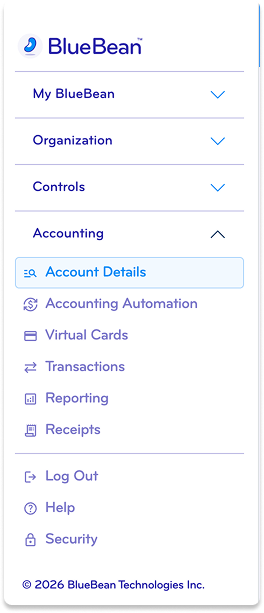
There two areas for card administrators to configure:
Account details: this is where you set request rules and usage tolerances
Accounting automation: this is where you set reconciliation rules
Both of these menus can be found under the Accounting area of the application.